Teyvat Translator
Real-Time Game Translation Overlay
Metrics
- •700+ downloads
- •Simplified & Traditional Chinese
- •Packaged Windows installer
Overview
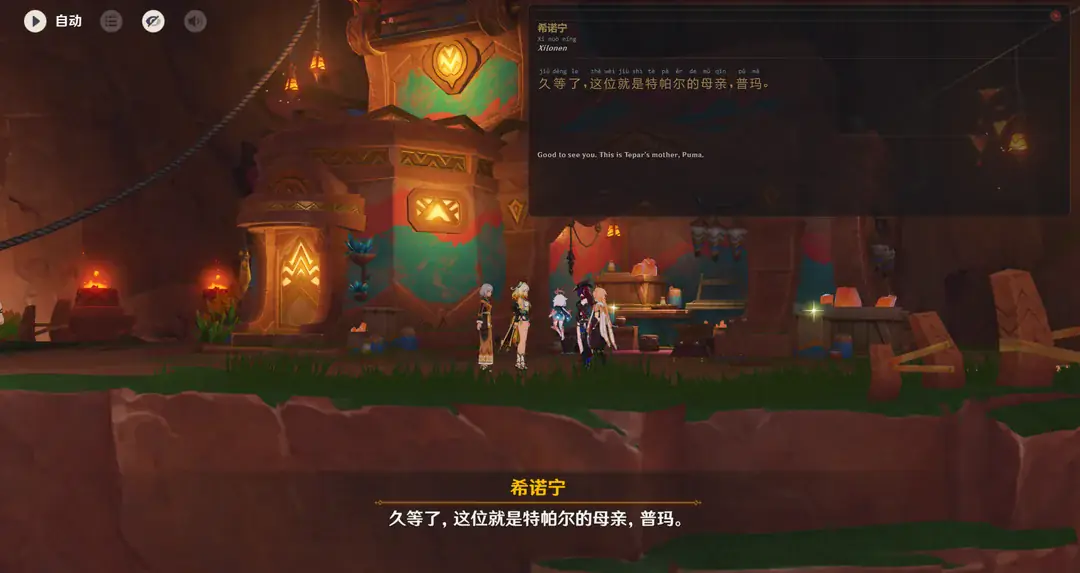
A Windows translation and language-learning overlay for Genshin Impact. TeyvatTranslator captures Simplified or Traditional Chinese dialogue in real time, keeps the original script visible, and adds pinyin, English translation, and game-specific vocabulary without interrupting play.
Technologies Used
Business Need
Language learners often struggle to find engaging content that matches their interest level. While playing video games in a target language is a popular immersion method, it presents significant friction: looking up unknown characters in a dictionary breaks the game flow, and generic translation apps rarely understand game-specific jargon (e.g., translating "Vision" as "Eye of God" instead of the game term "神之眼"). Users needed a tool that could provide instant, seamless translation without Alt-Tab interruptions, while also teaching correct pronunciation and game-specific context.
Purpose
To create a "smart companion" application that transforms Genshin Impact into a viable language learning platform. The system serves two main goals: Accessibility (allowing non-Chinese speakers to play the original CN voice/text version) and Education (teaching vocabulary through repeated exposure in a fun context).
Key Functionalities
- •Live OCR Overlay: Captures game dialogue in real time using a background-threaded screen capture pipeline and PaddleOCR recognition tuned for stylized text.
- •Simplified & Traditional Chinese: Runs both scripts through the same OCR and translation flow while using OpenCC only on a private lookup copy for vocabulary and speaker matching.
- •Context-Aware RAG: Uses a hybrid search engine (Vector Search + Keyword Matching) to identify game-specific terms (characters, locations, weapons) and provide their official English localizations.
- •Dual-Engine Translation: Runs a local MarianMT neural translation model for privacy and speed, with automatic Cloud Fallback to Google Translate if needed.
- •Smart Pinyin Display: Generates and aligns Pinyin (romanization) directly above Chinese characters in a custom HTML-rendered "Ruby text" format.
- •NPC/UI Filtering: Intelligently distinguishes between dialogue lines and non-dialogue text using pattern matching to keep the display clean.
- •Interactive Vocabulary Cards: Clicking on recognized terms opens a context card showing the literal meaning breakdown vs. the game definition.
Advantages
- •Zero-Latency Feel: Heavily optimized OCR pipeline uses a "stability timer" and temporal voting buffer to ensure text is only translated when fully rendered, preventing flickering.
- •Privacy-Focused: Fully functional offline mode using local neural models (MarianMT) and local vector databases means no user data needs to leave the machine.
- •Game-Specific Accuracy: Unlike generic translators, TeyvatTranslator "knows" the game. It correctly identifies "Mondstadt" (蒙德) instead of translating it as "Mongol Virtue".
- •Non-Intrusive Design: The overlay uses click-through transparency and automatic sizing, ensuring it never blocks critical game UI elements during combat.
Key Learnings
- •Building for Distribution: Managing the complexity of packaging heavy AI dependencies (Torch, PaddlePaddle, Transformers) into a single Windows executable using PyInstaller.
- •GUI Thread Management: Implementing the Worker-Signal pattern in PyQt6 to ensure heavy OCR and translation tasks never freeze the UI thread.
- •OCR Pattern Recognition: Developing heuristics to filter out "noise" from game UIs. Learning that game subtitles have specific visual patterns that can be exploited for accuracy.
- •Hybrid RAG Implementation: Discovering that semantic search alone isn't enough for specific names, requiring a hybrid approach with exact keyword priority.
Challenges Faced
- •PyInstaller & Hidden Imports: The biggest technical hurdle was packaging. Libraries like paddleocr rely on dynamic imports that PyInstaller misses. I had to write custom hooks and "monkey-patch" dependency checks.
- •Text Stability & Flickering: In-game text often fades in. I solved wild flickering by implementing a Temporal Voting Buffer—requiring the same text to appear in 3 consecutive frames before accepting it.
- •Transparent Window Click-Through: Creating a window that is visible (overlay) but allows mouse clicks to pass through to the game, while also having interactive elements that accept clicks.
Key Accomplishments
- •Engineered a real-time OCR translation overlay for Genshin Impact using Python, PyQt6, and PaddleOCR, reaching around 95% accuracy on difficult stylized text.
- •Added end-to-end Simplified and Traditional Chinese support while preserving the captured script in the overlay and normalizing only private vocabulary lookups.
- •Implemented a hybrid RAG system (ChromaDB + SQLite) to provide context-aware translations of proprietary game terms and lore.
- •Developed a dual-engine translation pipeline (MarianMT + Google Translate) with offline-first capability for privacy and speed.
- •Solved complex PyInstaller packaging challenges to bundle heavy AI dependencies (Torch, Transformers) into a single distributable executable.
- •Designed a non-intrusive "Ruby text" UI for Pinyin display that integrates seamlessly with the game's visual style.
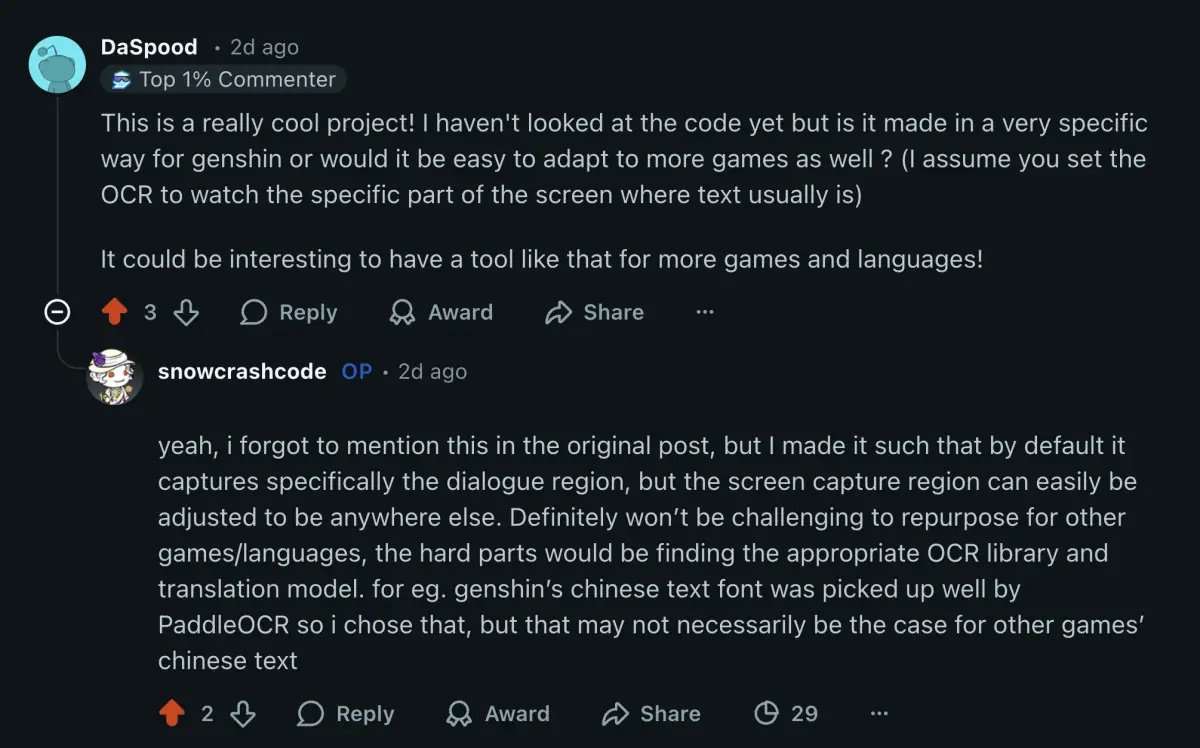
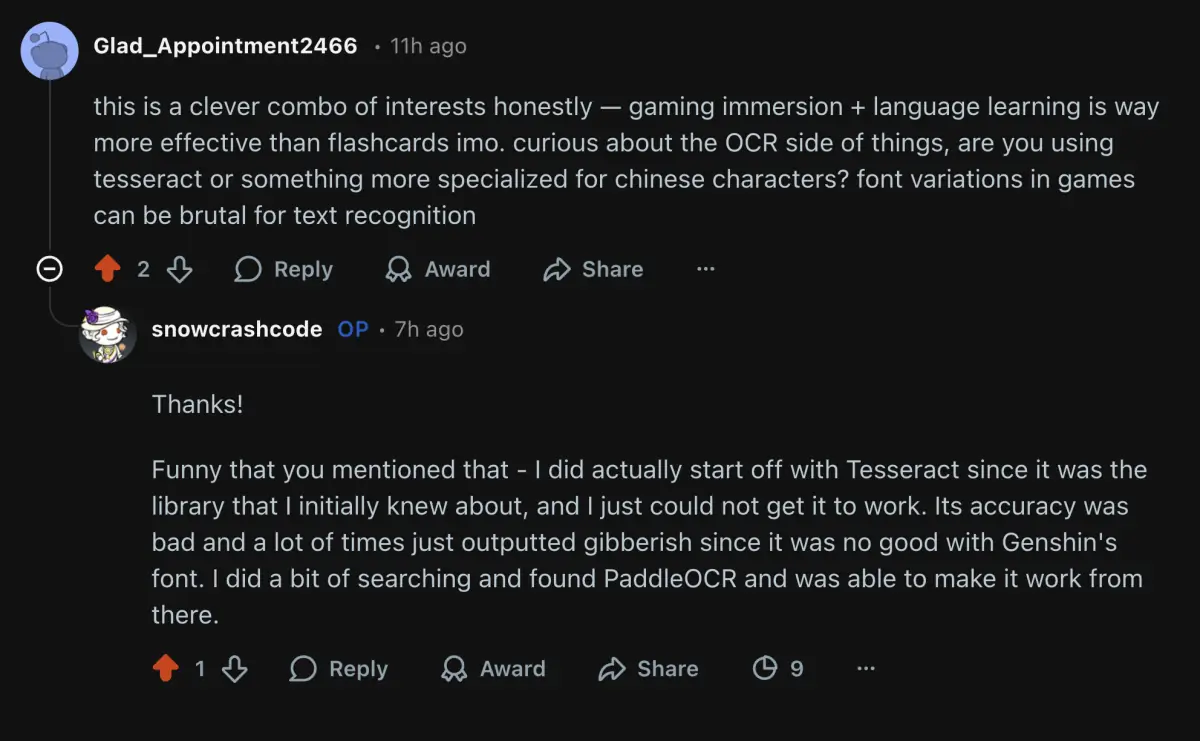
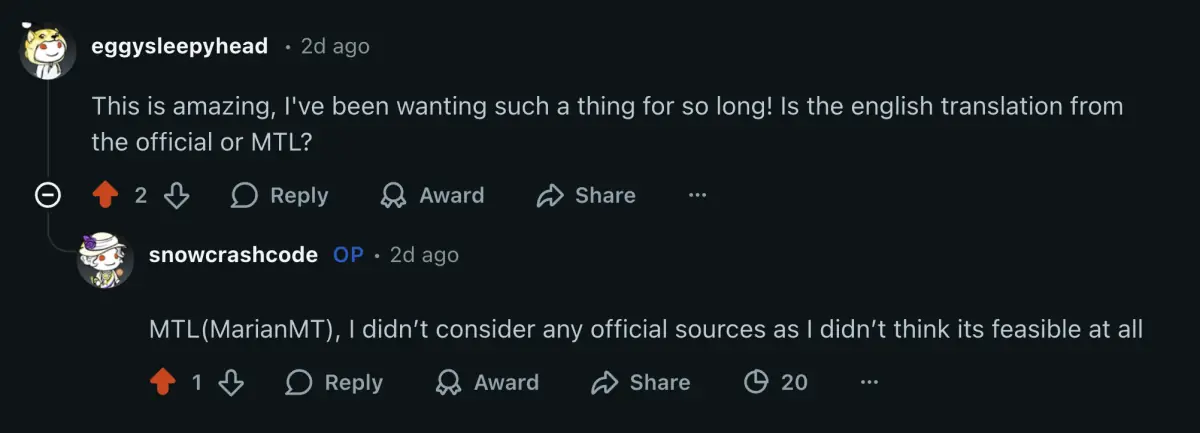
Community Reception